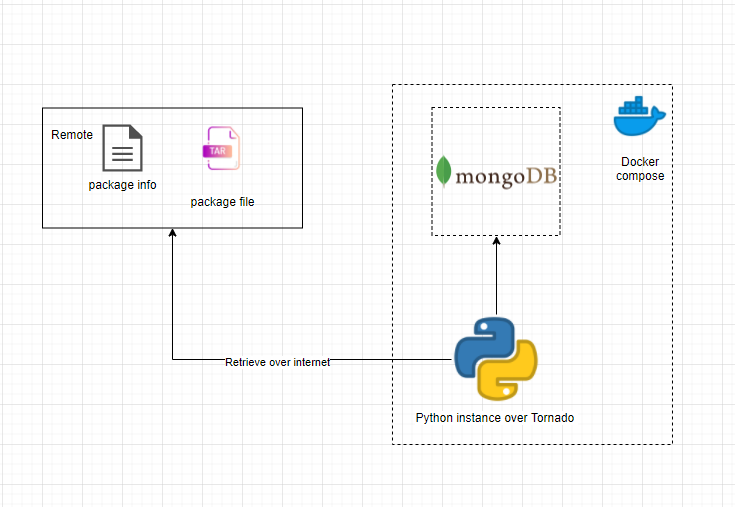
This is the assignment of pelago Easy to understand

Zeus is the king of Olympians, all the power from his thunder
So, I put the functions in folder thunder of this project.
- step 1. install docker to your local. Click here to install docker
- step 2. make sure you have docker-compose command working in your local, by type
$ docker-composeif you see something as below screenshot you are ready to go.😀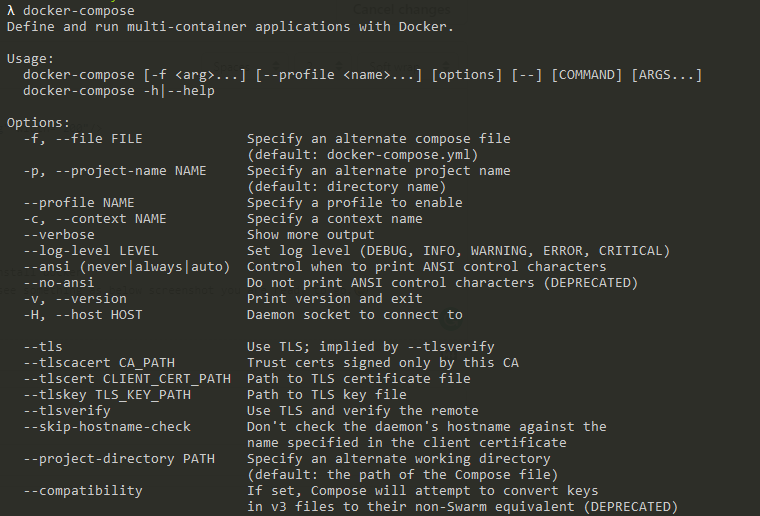
- step 3. (OPTIONAL) install python venv to the working folder, this one is tricky please be careful to do step by step as the following instruction.
# If window
python -m pip install --upgrade
python -m pip install --user virtualenv
python -m venv .venv # the second parameter is the target folder name. Please leave as the same.
.\.venv\Scripts\activate # Active the venv

# If mac
python -m pip install --user --upgrade pip
python -m pip install --user virtualenv
python -m venv .venv
source env/bin/activate
Afterwards you can see .venv folder be created
 And also you can see you are already in .venv source in your command line
- step 4. run
$ docker-compose build - step 5. run
$ docker-compose up- For the first time zeus will load the remote data and insert data to mongoDB, that require some time, you may need to wait for 1 to 2 min till the docker log showing the
Listening on port 5000then you are ready to go. - Otherwise you can manually check the mongoDB by use this link http://localhost:8081/db/Olympians/Parthenon
- If every thing is OK, you can see the data be listed in mongoDB
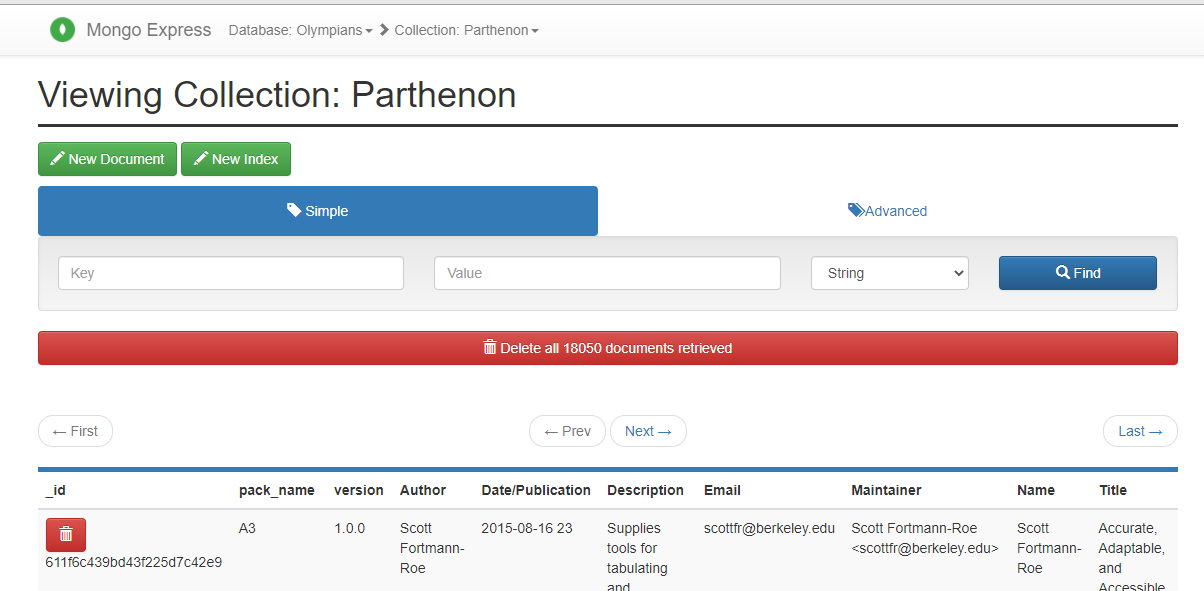
- PS: the second time you start zeus, if the data already be init, zeus will not load remote data again.
- For the first time zeus will load the remote data and insert data to mongoDB, that require some time, you may need to wait for 1 to 2 min till the docker log showing the
- If run docker
- Open your postman to access
http://localhost:5999If you can see below, that means zeus is ready to use.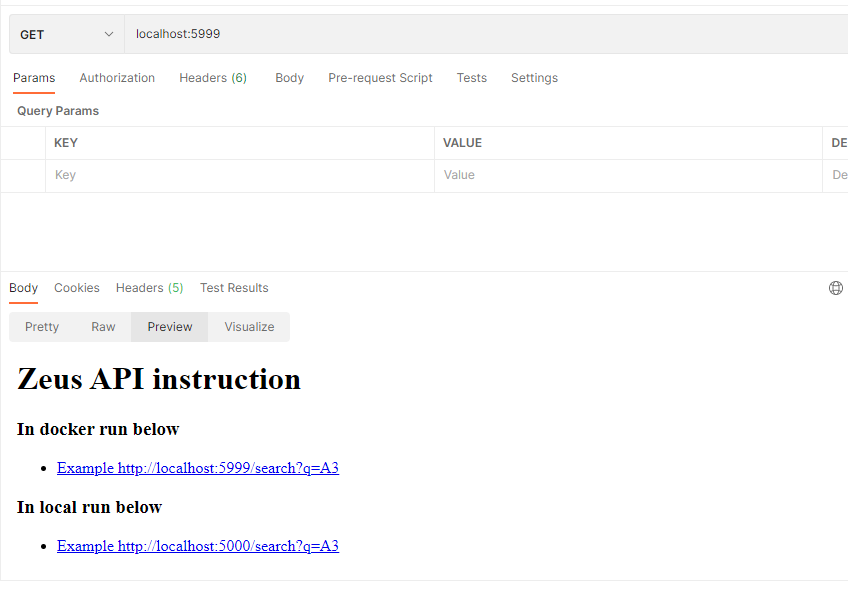
- Open your postman to access
- Run qurey API
- Use
localhost:5999/search?q=<package name>to invoke query API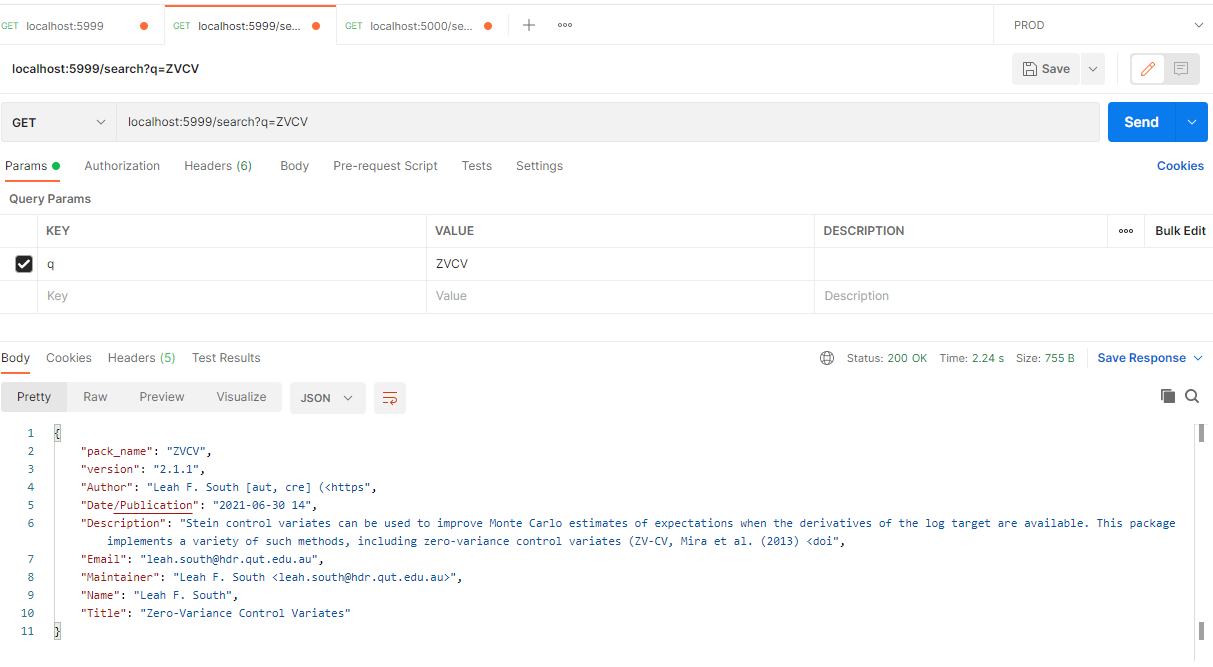
- For each package, the first time will be a little bit slow, because it require to retreve the tar file to do the data erichment. After that it will be respond fast.
- Use
To stop zeus, it's easy. Just you Ctrl+C in you terminal, please be patient to wait all the images be stoped, if you click Ctrl+C again to force stop docker, that may cause some issue during the next time you want to start up. You need to go to you docker desktop to delete the images and containers and rebuid it.