A modern Rust terminal multiplexer for local shells, long-running agents, typed automation, and browser-shared terminal sessions.
English · Français · 简体中文 · 日本語





Note
RMUX now includes serverless, hybrid post-quantum end-to-end web multiplexing. Learn more in the repository Web Share docs.
RMUX is still moving fast. If you have a feature request or want to report anything, please file an issue.
A modern, async typed Rust multiplexer engine with native support for 90+ tmux commands across macOS, Linux, and Windows, with no WSL needed.
It ships with a public Rust SDK for persistent AI workflows and beautiful Ratatui TUIs.
Use it as your daily driver, share sessions in a browser, or script it into a persistent agentic TUI tool.
Short examples of what RMUX can be used for.
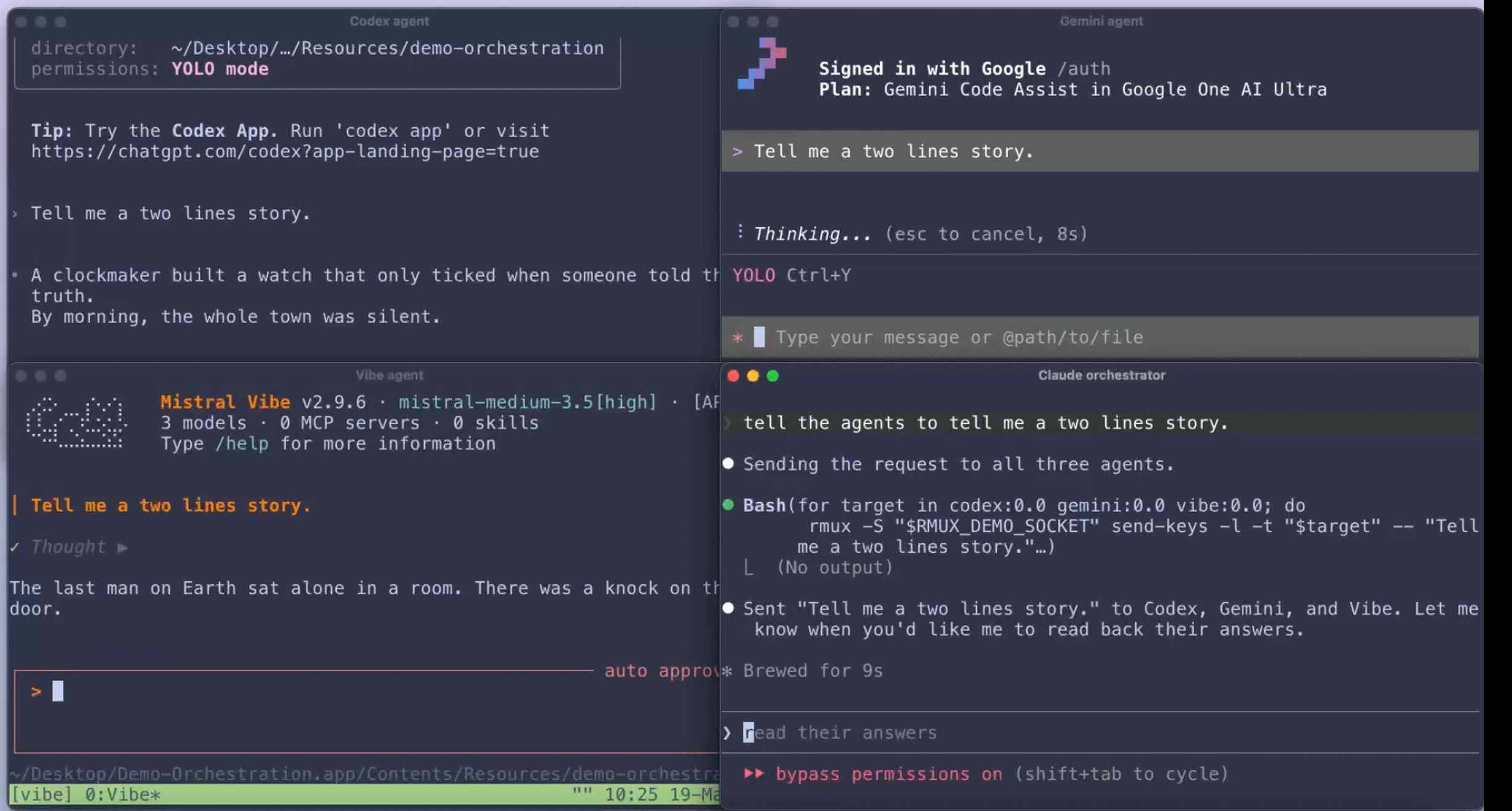 Multi Agents Orchestration ≃ 514 lines |
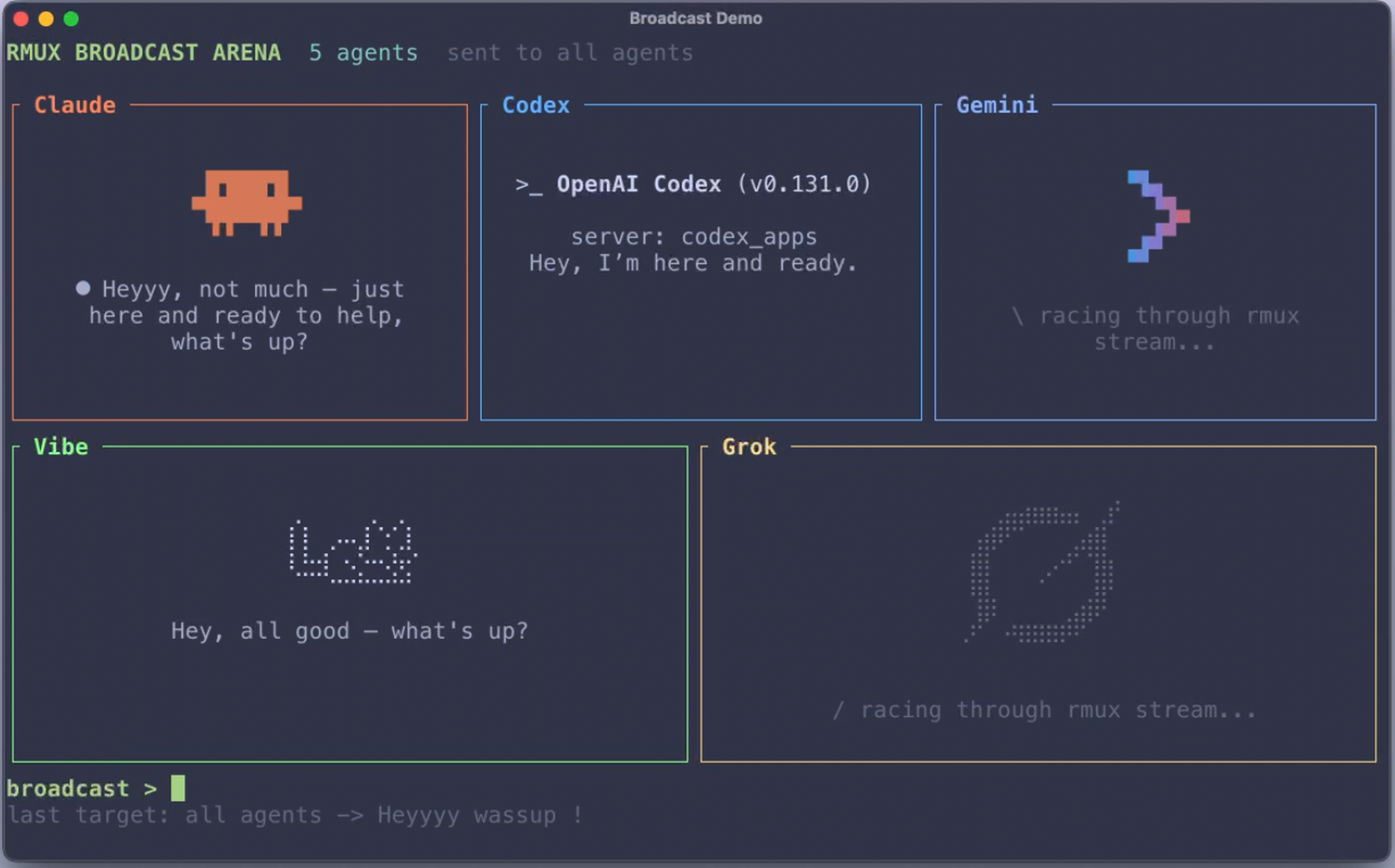 Agent Broadcast Arena ≃ 2,171 lines |
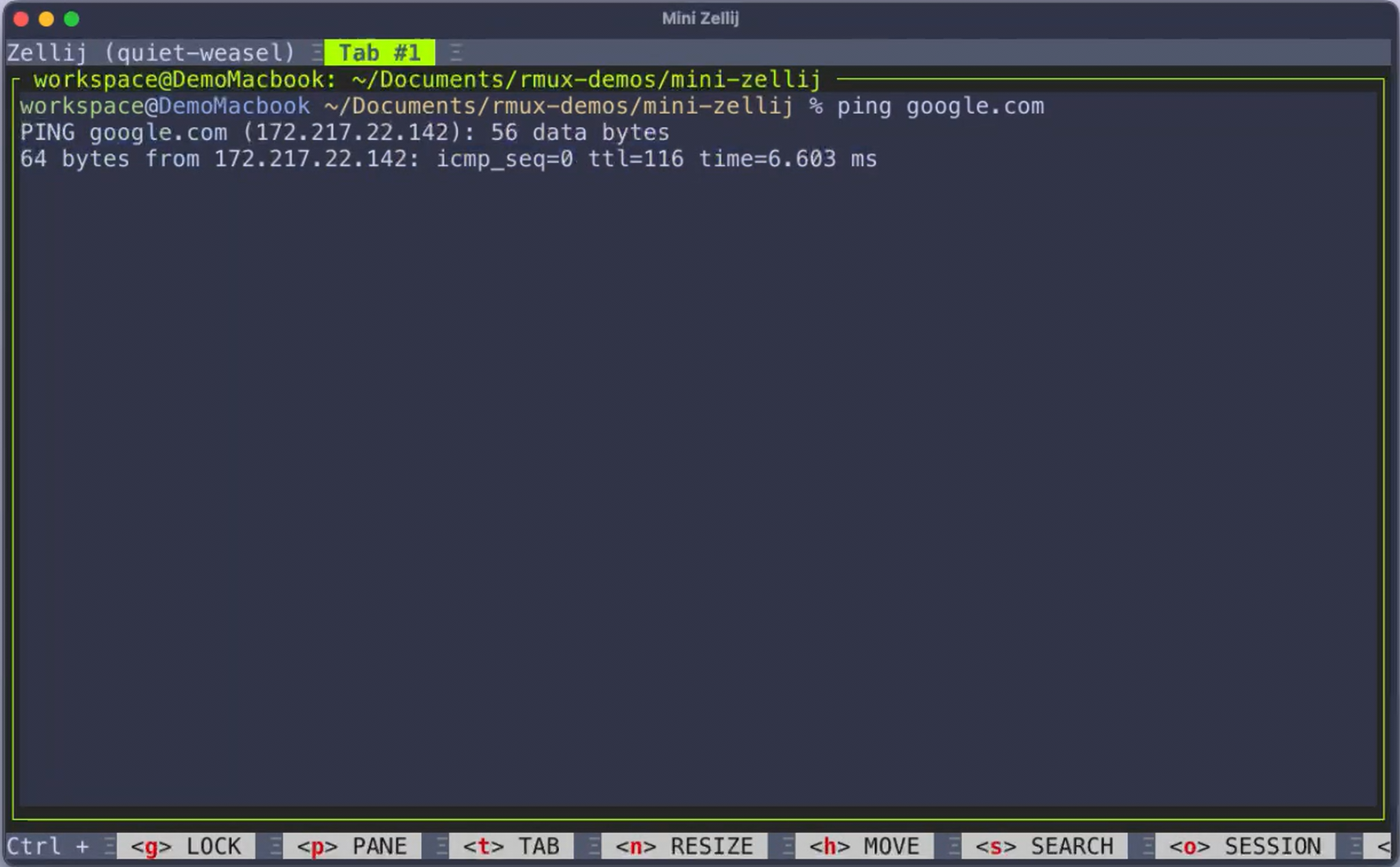 Mini-Zellij ≃ 944 lines |
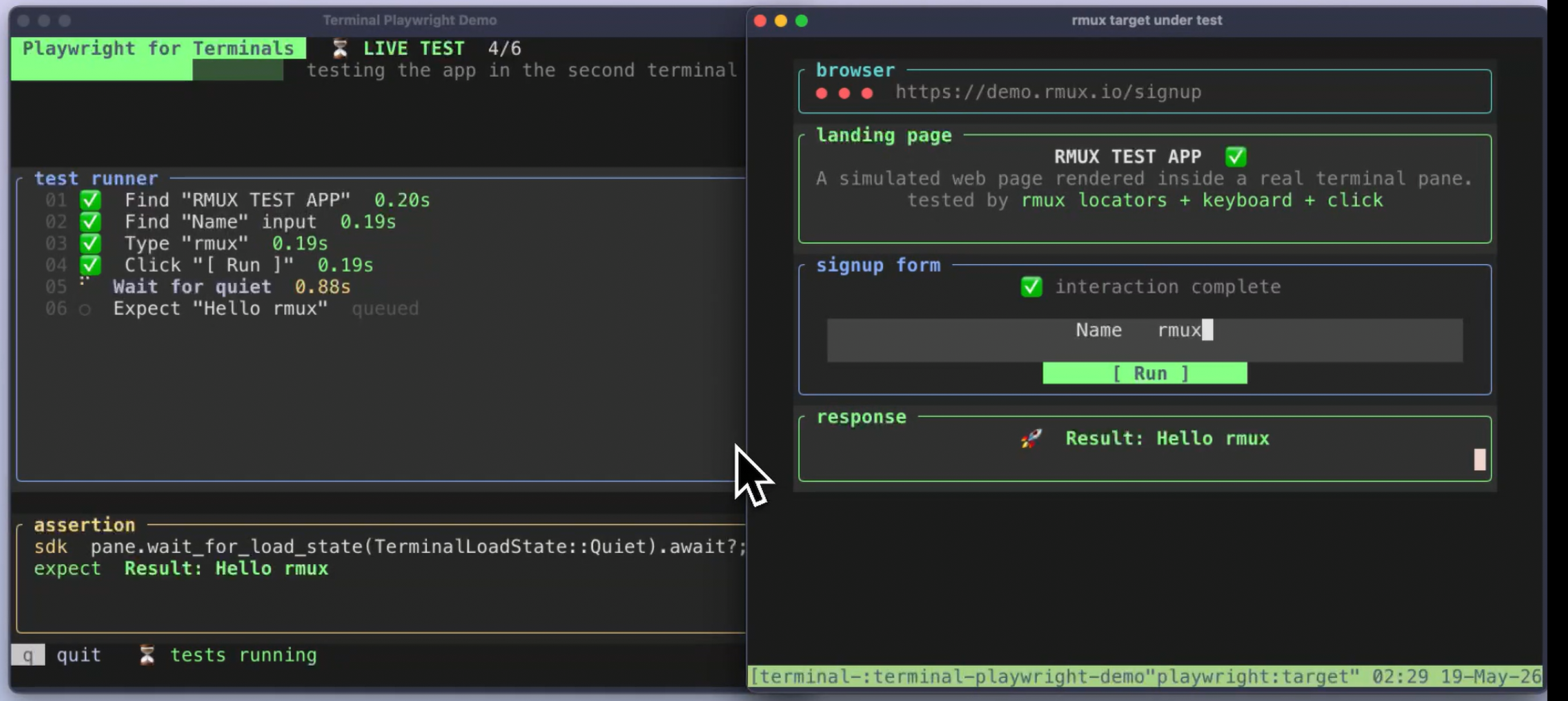 Terminal Automation ≃ 1,495 lines |
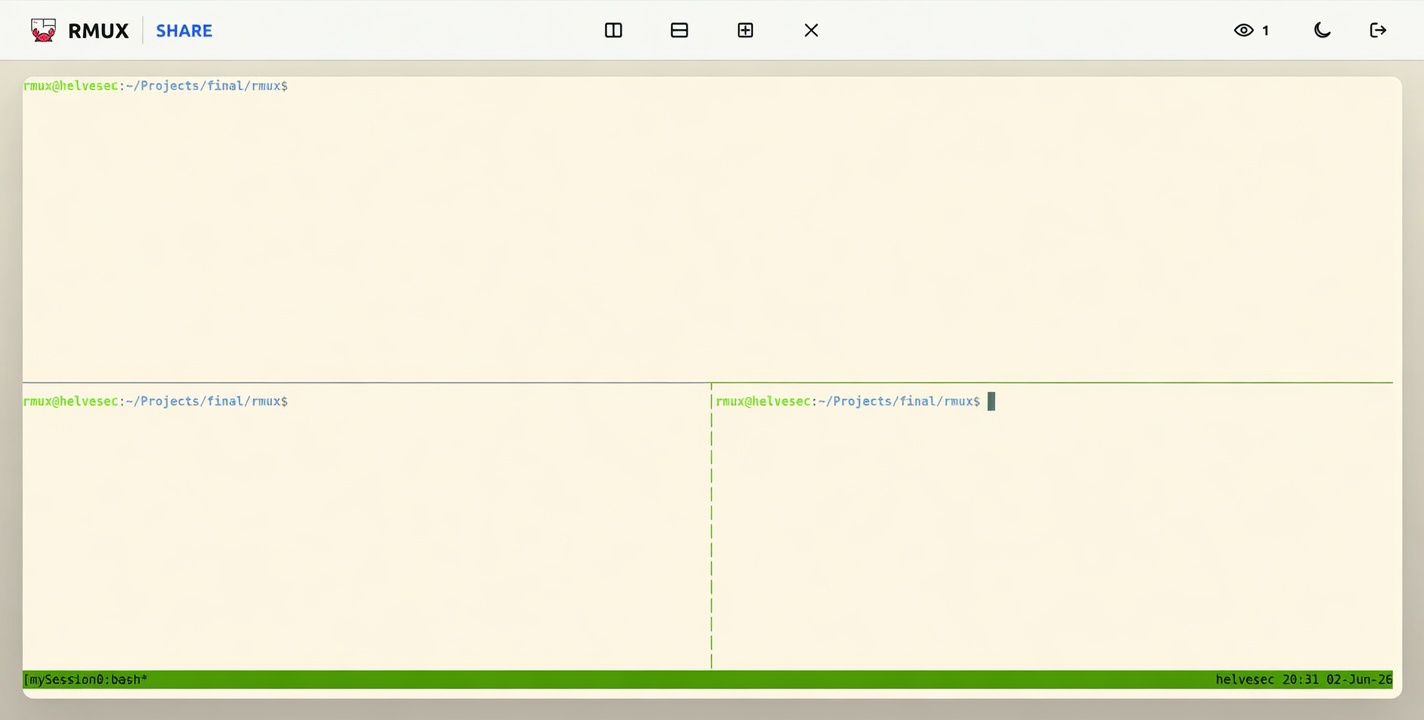
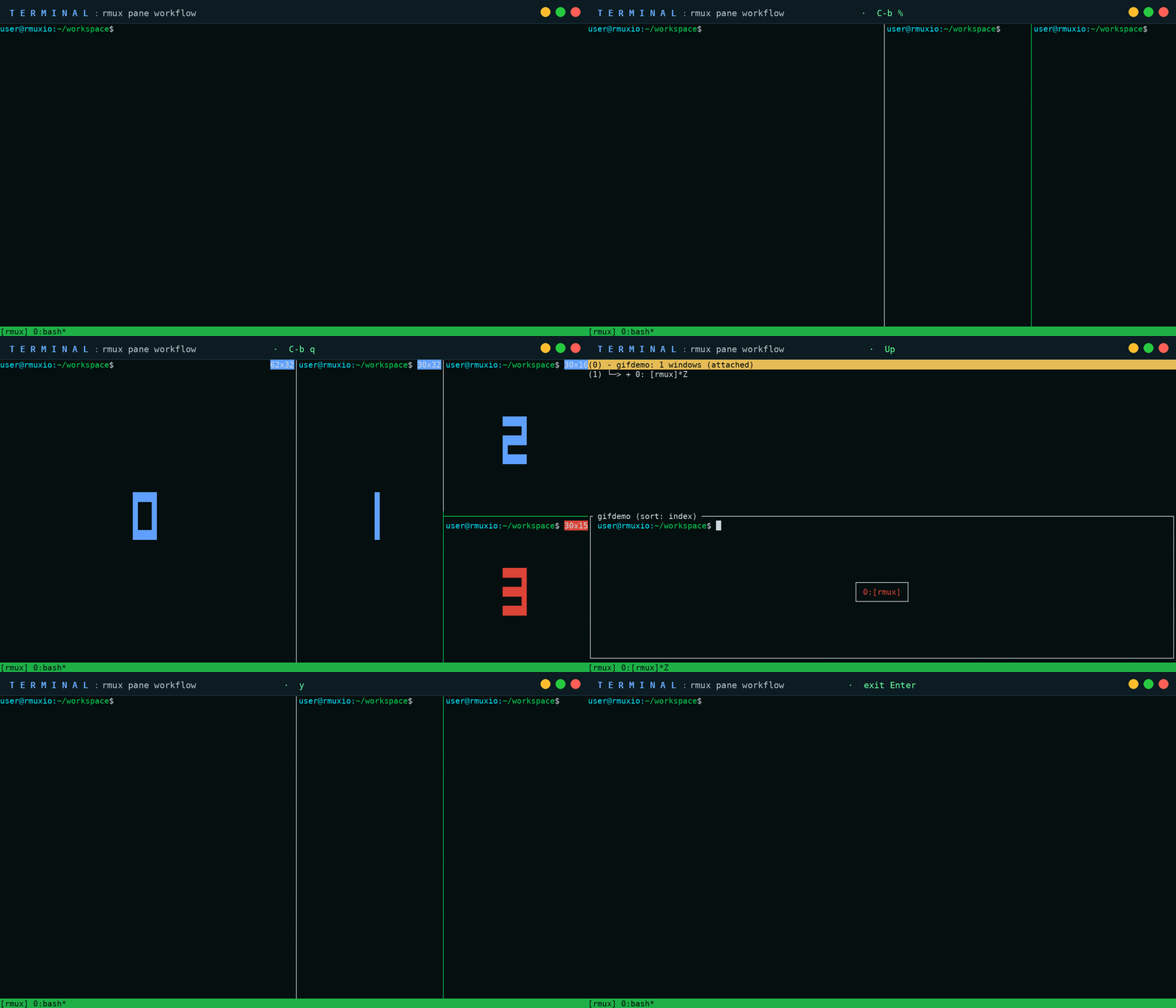
RMUX lets you do web multiplexing: share your RMUX pane or session on the web, create new panes, move dividers with the mouse, and use RMUX through a richer browser interface.
# Start a local Web Share over loopback
rmux web-share

# Share a named session
rmux new-session -d -s work
rmux web-share -t work

# Share beyond localhost
rmux web-share --tunnel-provider localhost-run
Use a tunnel provider, bring your own ingress, or host the static frontend on your own domain.
Useful entry points:
Linux install
curl -fsSL https://rmux.io/install.sh | shDirect downloads are available from the v0.5.0 GitHub Release:
rmux-0.5.0-linux-x86_64.tar.gzrmux_0.5.0_amd64.debrmux-0.5.0-1.x86_64.rpm
macOS install
curl -fsSL https://rmux.io/install.sh | shDirect downloads are available from the v0.5.0 GitHub Release:
rmux-0.5.0-macos-aarch64.tar.gzrmux-0.5.0-macos-x86_64.tar.gz
Windows install
irm https://rmux.io/install.ps1 | iexDirect downloads are available from the v0.5.0 GitHub Release:
rmux-0.5.0-windows-x86_64.zip
Rust / Cargo install
This path works on Linux, macOS, and Windows.
curl --proto '=https' --tlsv1.2 -sSf https://sh.rustup.rs | shcargo install rmux --lockedcargo add rmux-sdk
cargo add ratatui-rmuxSHA256 checksums are published with every GitHub Release. APT, DNF, Homebrew, WinGet, Scoop, and Chocolatey metadata is prepared for each release and published separately once the corresponding repositories are live.
The full RMUX documentation is available at rmux.io/docs.
It includes:
For an ergonomic, human-oriented profile that keeps native terminal selection intuitive while adding easier split bindings and clipboard integration, see docs/human-friendly-config.md.
rmux new-session -d -s work
rmux split-window -h -t work
rmux send-keys -t work 'echo "hello from rmux"' Enter
rmux attach-session -t work
Use command help locally:
rmux list-commands
rmux new-session --help
rmux split-window --help
rmux web-share --help
Use rmux -V for the RMUX package version. For build and support details, use rmux diagnose --human or rmux diagnose --json.
[dependencies]
rmux-sdk = "0.5"
tokio = { version = "1", features = ["rt-multi-thread", "macros"] }
use std::time::Duration;
use rmux_sdk::{
EnsureSession, EnsureSessionPolicy, Rmux, SessionName, TerminalSizeSpec,
};
#[tokio::main]
async fn main() -> rmux_sdk::Result<()> {
let rmux = Rmux::builder()
.default_timeout(Duration::from_secs(5))
.connect_or_start()
.await?;
let session_name = SessionName::new("work").expect("valid session name");
let session = rmux
.ensure_session(
EnsureSession::named(session_name)
.policy(EnsureSessionPolicy::CreateOrReuse)
.detached(true)
.size(TerminalSizeSpec::new(120, 32)),
)
.await?;
let pane = session.pane(0, 0);
pane.send_text("printf 'ready\\n' && sleep 1\n").await?;
pane.wait_for_text("ready").await?;
let snapshot = pane.snapshot().await?;
println!("{}x{}", snapshot.cols, snapshot.rows);
Ok(())
}use ratatui::{buffer::Buffer, layout::Rect, widgets::Widget};
use ratatui_rmux::{PaneState, PaneWidget};
use rmux_sdk::PaneSnapshot;
fn render(snapshot: PaneSnapshot, area: Rect, buffer: &mut Buffer) {
let state = PaneState::from_snapshot(snapshot);
PaneWidget::new(&state).render(area, buffer);
}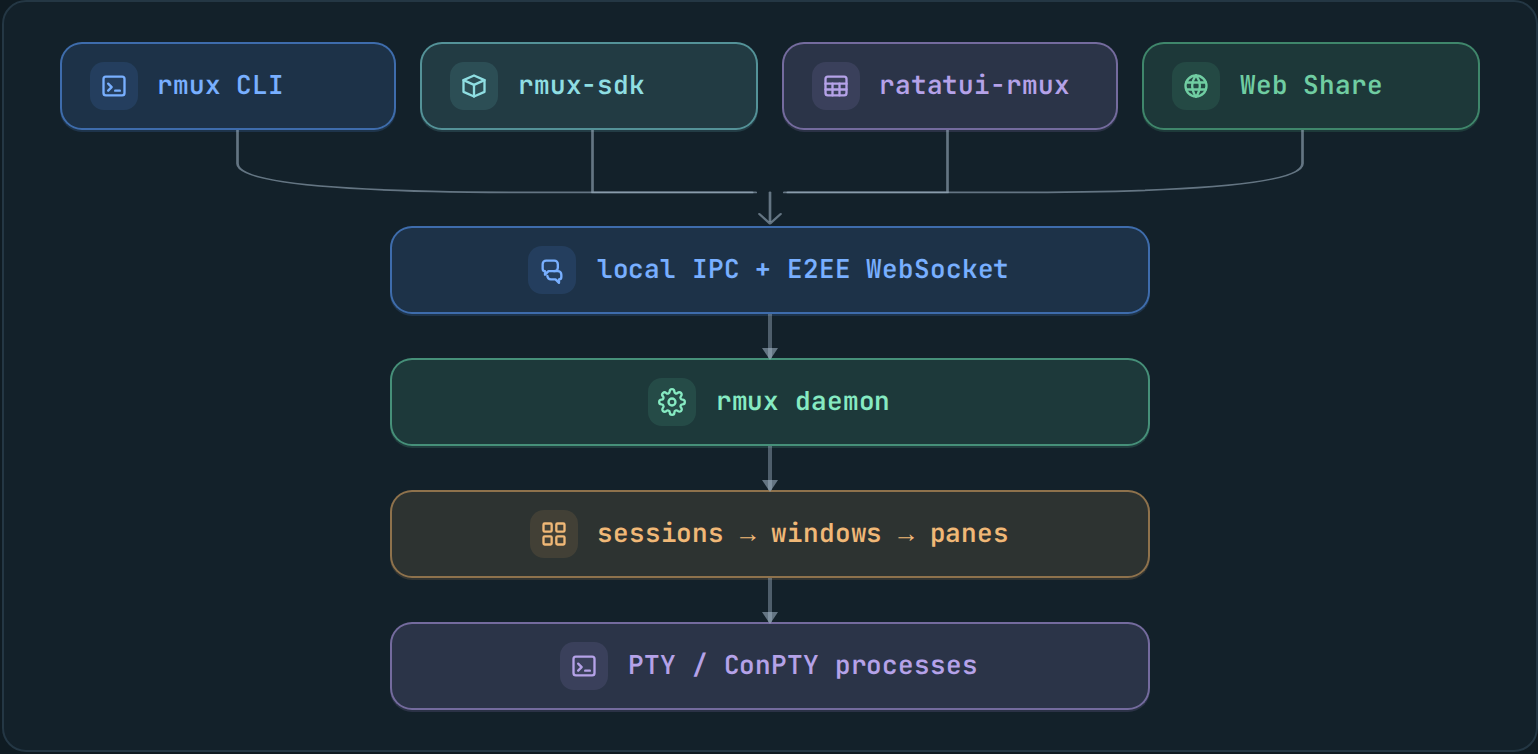
rmux keeps shells, sessions, windows, panes, and PTY processes inside the local daemon. Local clients use IPC. Web Share is explicit browser access: the daemon exposes a selected pane or session through an end-to-end encrypted WebSocket, while execution stays on your machine.
| Crate | Role | Publication |
|---|---|---|
rmux-types |
Shared platform-neutral value types | public |
rmux-proto |
Detached IPC DTOs, framing, wire-safe errors | public |
rmux-os |
Small OS boundary helpers | public |
rmux-ipc |
Local IPC endpoints and transports | public |
rmux-sdk |
Daemon-backed Rust SDK | public |
ratatui-rmux |
Ratatui integration widget | public |
rmux-web-crypto |
Web Share E2EE core and WASM crypto boundary | public |
rmux-pty |
PTY allocation, resize, child process control | support crate |
rmux-core |
Sessions, panes, layouts, formats, hooks, buffers | support crate |
rmux-server |
Tokio daemon and request dispatch | support crate |
rmux-client |
Local IPC client and attach plumbing | support crate |
rmux |
CLI and hidden daemon entrypoint | public binary |
rmux-render-core |
Shared snapshot rendering core | workspace-internal |
| Platform | PTY backend | IPC backend | Default endpoint |
|---|---|---|---|
| Linux | Unix PTY | Unix socket | /tmp/rmux-{uid}/default |
| macOS | Unix PTY | Unix socket | /tmp/rmux-{uid}/default |
| Windows | ConPTY | Named pipe | per-user named pipe |
On Linux and macOS, RMUX reads .rmux.conf from the standard system and user locations:
/etc/rmux.conf~/.rmux.conf$XDG_CONFIG_HOME/rmux/rmux.conf~/.config/rmux/rmux.conf
On Windows, RMUX reads .rmux.conf from:
%XDG_CONFIG_HOME%\rmux\rmux.conf%USERPROFILE%\.rmux.conf%APPDATA%\rmux\rmux.conf%RMUX_CONFIG_FILE%
When RMUX starts with the default config search and no RMUX config file is loaded, it can import a filtered tmux.conf as a migration fallback. Explicit config loading with -f does not use this fallback.
Fallback paths:
- Linux and macOS:
/etc/tmux.conf,~/.tmux.conf,$XDG_CONFIG_HOME/tmux/tmux.conf,~/.config/tmux/tmux.conf - Windows:
%XDG_CONFIG_HOME%\tmux\tmux.conf,%USERPROFILE%\.tmux.conf,%APPDATA%\tmux\tmux.conf
RMUX imports supported static options and key unbindings. It skips tmux key bindings, environment or terminal capability mutations, plugin user options and hooks, shell commands, command blocks, conditionals, format jobs such as #(cmd), recursive source-file entries, and unsupported options. Set RMUX_DISABLE_TMUX_FALLBACK=1 to disable the fallback.
RMUX works with shells that query terminal capabilities, including fish. It answers terminal device-attribute probes and handles Escape-key timing so fish prompts and key sequences behave normally inside RMUX panes.
Graphics passthrough is available for outer terminals that support Kitty graphics or SIXEL. RMUX detects Kitty graphics for Kitty, Ghostty, and WezTerm, and detects SIXEL for terminals such as foot, mintty, mlterm, and WezTerm. It is opt-in:
set -g allow-passthrough onThe tmux value all is accepted for configuration compatibility. RMUX renders the attached pane, so all currently behaves like on rather than adding passthrough for unattached panes.
If your terminal supports either protocol but is not detected automatically, add a terminal feature override:
set -as terminal-features 'xterm-kitty:kitty-graphics'
set -as terminal-features 'xterm*:sixel'
SIXEL passthrough is covered by the automated Unix PTY attach regression suite. On Windows, RMUX enables modern ConPTY passthrough when the OS supports it, but SIXEL display still depends on the outer terminal. Set RMUX_CONPTY_NO_PASSTHROUGH=1 to disable that backend mode for troubleshooting.
The workspace is designed to be checked from source with locked dependencies:
cargo fmt --all -- --check
cargo clippy --workspace --all-targets --locked -- -D warnings
cargo test --workspace --locked --no-fail-fast
Additional local checks:
scripts/cfg-check.sh
scripts/unsafe-check.sh
scripts/no-network-in-runtime.sh
scripts/check-platform-neutrality.sh
scripts/ratatui-rmux-budget.sh
scripts/verify-package.sh
Release artifact checks are driven by:
scripts/release-local.sh
scripts/package-unix.sh
scripts/package-debian.sh
scripts/verify-debian-package.sh
scripts/package-rpm.sh
scripts/verify-rpm-package.sh
scripts/package-windows.ps1
scripts/verify-package-windows.ps1
scripts/generate-apt-repository.sh
scripts/generate-rpm-repository.sh
scripts/generate-homebrew-formula.sh
scripts/generate-winget-manifest.sh
scripts/generate-scoop-manifest.sh
scripts/generate-chocolatey-package.sh
#![forbid(unsafe_code)] is used in the upper-level crates. OS and terminal boundary code is isolated in the lower-level runtime crates.
RMUX is dual-licensed under either:
at your option.