minimalist Chrome new tab extension
1. Go to the [Releases](../../releases) page.
2. Download the latest `StartBox-vX.X.X.zip` file.
3. Extract the ZIP file.
4. Open the Chrome browser and go to:
   🔗 chrome://extensions/
5. In the top right corner, enable "Developer Mode"
6. Click the "Load unpacked" button
7. Select the extracted folder (the one containing manifest.json)
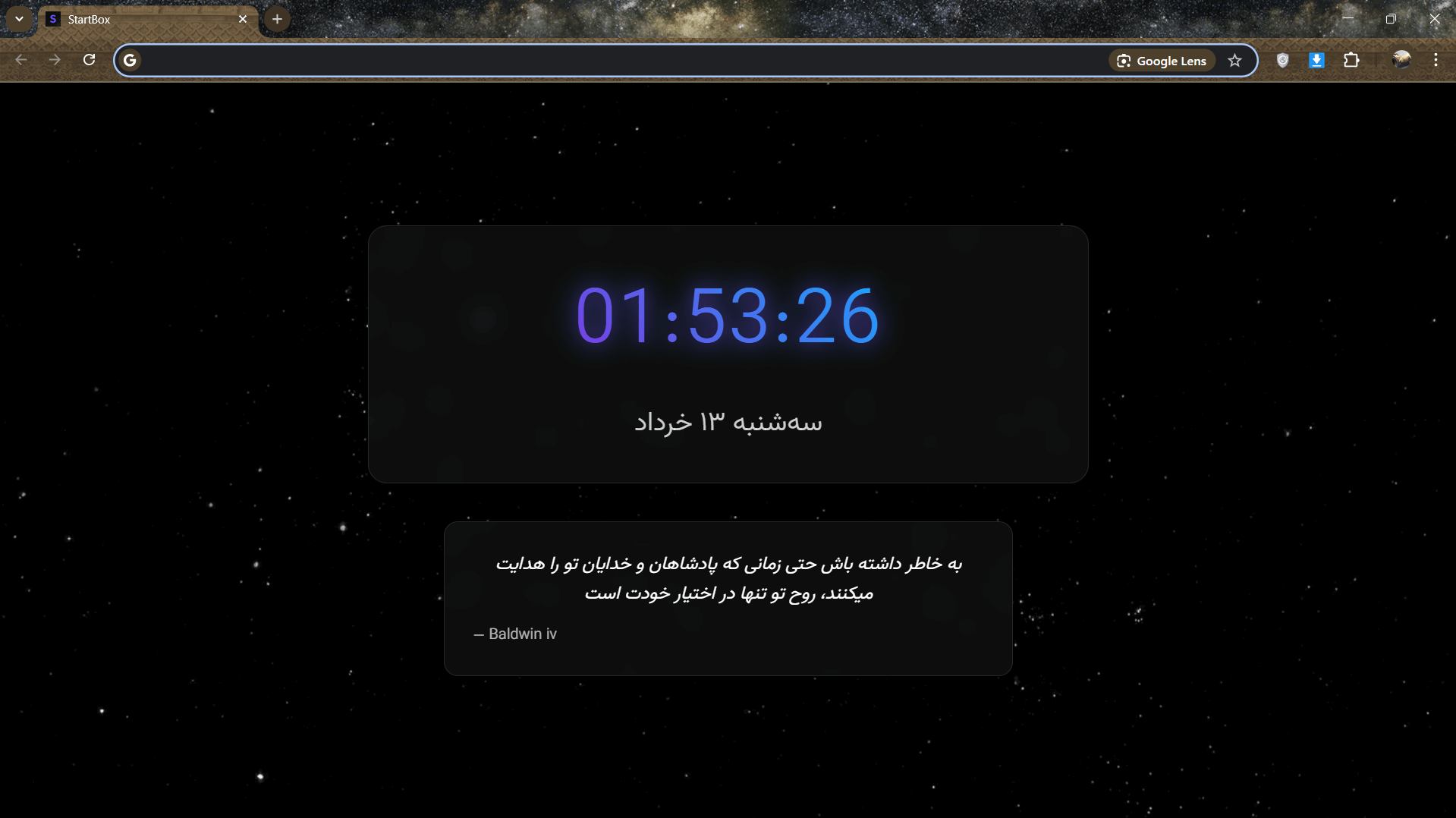
8. That’s it! Now open a new tab — your instant magic will appear ✨Shows you the time and date— because you know, you deserve to know what day it is.Instantly focuses the search bar— it’s like we read your mind, but with less effort.Packed with quotes cooler than your playlist 🧠— because why not get inspired while opening a new tab?That’s it. No fancy features. Just vibes. ✨— (If you were expecting fireworks… maybe try another tab?)
Drop your thoughts at armanmohebali@outlook.com
- All by ai in few hours