- Go to https://www.davidrumsey.com/ and enter "Northern Pacific Railroad" as your search term.
- Find the "The Yellowstone Park and dining car route to the Pacific Coast" map and click on its thumbnail to go to its page.
- Play around with Zooming / Full Screen / Etc...
- Click on the orange "View in Georeferencer" button, at the top.
- Zoom in and out, play with the transparency slider and explore the difference between the new map and the old map. Turn off the old map and zoom in and out. What's different about these two maps? Why?
- Click on the "This Map" link, at the top of the page.
- Time permitting, you can create an account with Google Sign in, to see the links for the data service, georeference your own maps and save maps to a 'workspace' for use later. To save time, use the following URL to the Web Map Tile Service (WMTS) for the next section...
https://maps.georeferencer.com/georeferences/25abc5b1-16b4-590e-bec9-024800f1e29d/2017-02-20T14:25:19.132722Z/wmts?key=mpIMvCWIYHCcIzNaqUSo&SERVICE=WMTS&REQUEST=GetCapabilities
- Go to This Link to create a free ArcGIS.com account, using the Google login button and your Google account credentials, at the bottom of the page.
- Click on the "MAP" link at the top of the page
- Click Add>All Layer from Web and change the Drop-down to "A WMTS OCG Tile Service"
- Cut & Paste the WMTS code:
https://maps.georeferencer.com/georeferences/25abc5b1-16b4-590e-bec9-024800f1e29d/2017-02-20T14:25:19.132722Z/wmts?key=mpIMvCWIYHCcIzNaqUSo&SERVICE=WMTS&REQUEST=GetCapabilities
into the URL: textbox
5. Click on the Get Layers button, then click on Add Layer
6. Wait for the image to load.

- Zoom and pan around the map
- Click on the "Find My Location" tool (it's right under the zoom tools), or zoom to the Stanford area.
- Click on Add>Add Map Notes, then click Create with the default settings.
- Use the Stickpin template to create a note where Stanford should be.
- Fill in the editor as follows:
| Content | |
|---|---|
| Title: | Leland Stanford Jr. University |
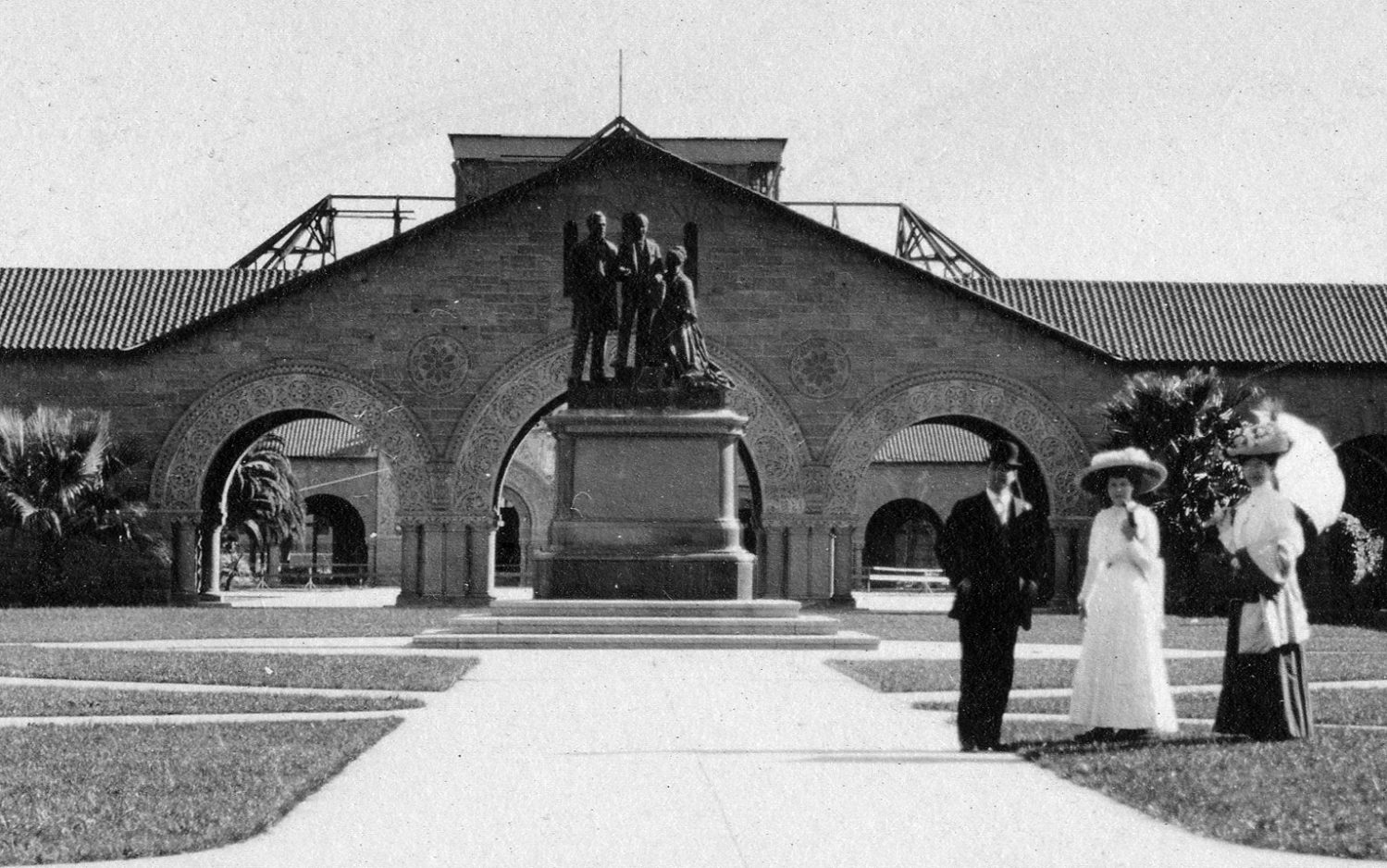
| Description: | The Leland Stanford Junior University was founded in 1885 by California Senator Leland Stanford and his wife, Jane, in memory of their only child, Leland Jr., who died of typhoid fever at 15. |
| Image URL: | https://www-media.stanford.edu/wp-content/uploads/2017/03/09163847/about-stanford-4-1499x938.jpg |
| Image Link URL: | https://www.stanford.edu/ |
12 Click close, then click the "Edit" button to close the MapNotes panel.
13. Click on your MapNote pin to see the result
- Click on the Save button and fill out the fields for Name and Tags, then Save Map.
- Click on the Share button and check the box to share with Everyone
- Click on the Embed in Website button and look at the options.
- Change Width to '800'
- Add some other stuff, if you want to. Don't use the Dark Theme, it is terrible.
- Click on the Copy button to copy your Embed Code.
- Go to https://sites.google.com/new and sign in with your Google account credentials, if needed.
- Click on the + at the bottom right corner of the page.
- Change the Title to something Earth-shatteringly brilliant, like "My Map Page"
- Click on the EMBED tool, in the "Insert" toolbox on the right.
- Switch to the Embed Code tab in the resulting window and paste the Embed code into the the textbox. Click Next, and Insert.
- Resize the Embed Box to fit the page.
- You can add a textbox and use some text from This Page to fill it (just cut & Paste)
- Click on the Preview Tool, at the top of the page (it looks like a laptop and cellphone chilling together).
- Behold the awesomeness of your website with a map in it.
Now you know how to make a map of anything, with nothing but your Google account. Next time you have a report to do, make a better version of this and your teacher will love you. Money-back guarantee.
Bonus: Since we've been looking at rail maps, check out this interactive map that shows travel times across the continent, before and after, the creation of the transcontinental rail system. Travel Times before and after the Railroads
Here's where you can learn more about using ArcGIS.com: Learn.ArcGIS.com
Here is a page that explains how Web Maps work: https://mapschool.io/
Here is David's page with LOTS of examples of more Web Maps: https://sites.google.com/site/sgccart/
The Jello Map: http://elasticterrain.xyz/#map-mediterranean