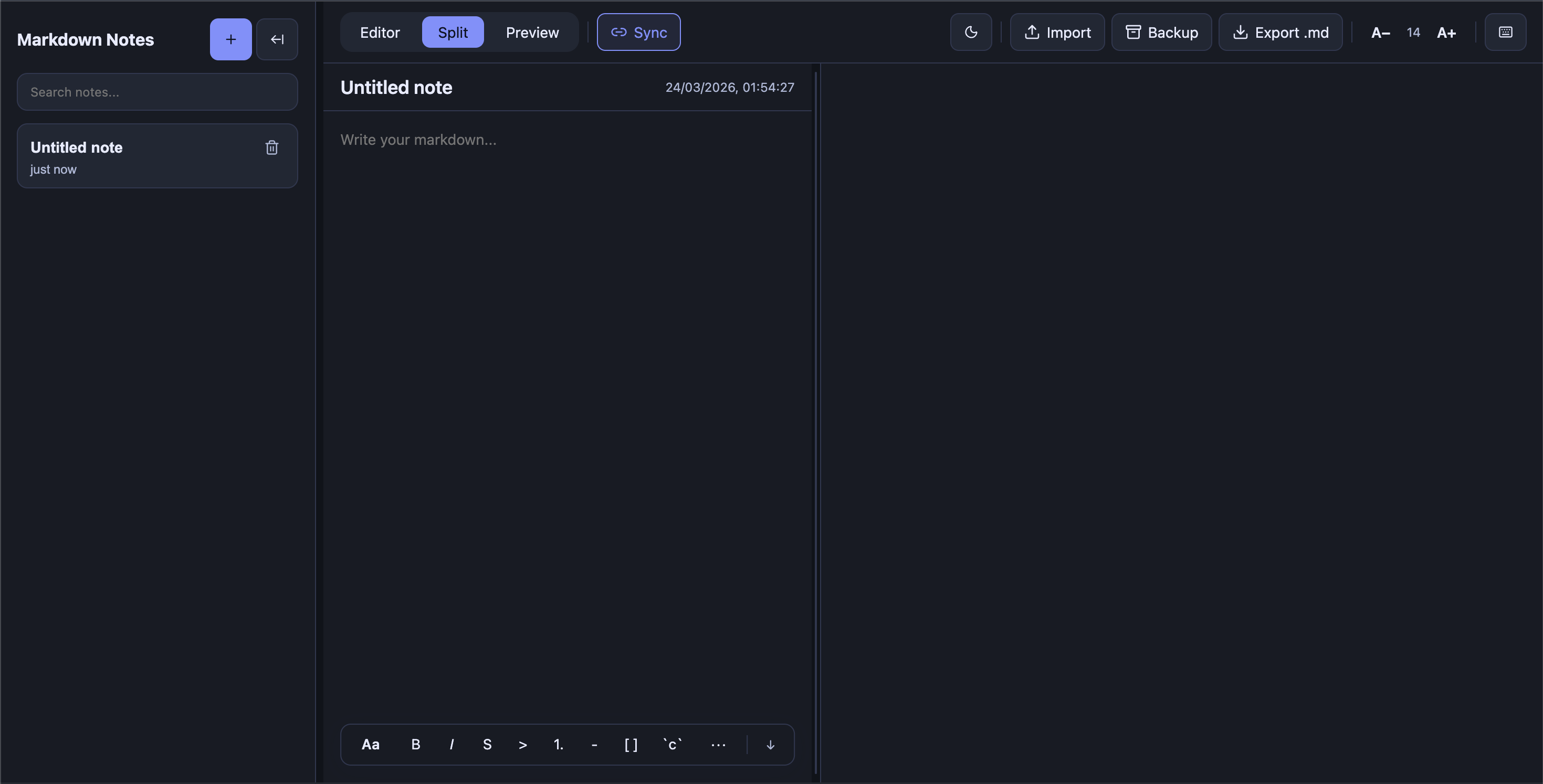
Turn every new tab into your Markdown scratchpad.
This repo contains:
- A Chrome extension — replaces your new tab with a Markdown editor
- A CLI helper (
mark-36) — opens local.mdfiles directly in the extension
npm install -g mark-36Then in Chrome:
- Open
chrome://extensions/ - Enable Developer mode
- Click Load unpacked
- Select the folder printed by running:
mark-36 --ext-path- Open a new tab ✓
- Go to Releases and download the latest
dist.zip - Unzip it
- Open
chrome://extensions/ - Enable Developer mode
- Click Load unpacked → select the unzipped folder
- Open a new tab ✓
The CLI lets you open a local .md file directly in the extension from your terminal.
Prerequisites: Enable Allow access to file URLs in the extension details page (chrome://extensions/ → mark-36 → Details).
Install:
curl -sSL https://raw.githubusercontent.com/jatingarg36/mark-36/main/scripts/install-mark-36.sh | sudo shUse:
mark-36 /absolute/path/to/file.mdgit clone https://github.com/jatingarg36/mark-36.git
cd mark-36
npm install
npm run buildThen load the dist/ folder as an unpacked extension (see Option B above).
- Fork this repo
- Create a feature branch
- Make your changes
- Open a pull request with a clear description
MIT