Turn a screenplay into a visual language.
Start with a screenplay or treatment, then develop its tone, storyboards, characters, locations, production design, posters, and visual identity.


Explore the live demo gallery →
Or use this repository to run the complete app with your own screenplay and API keys.

Scriptlook is an open-source, bring-your-own-key tool for filmmakers who want to turn a written project into an editable visual deck. For text and images, you'll need two keys: OpenAI or Claude for analysis and writing, and fal.ai for image generation.
Upload a PDF, FDX, or TXT file, choose the sections you want, and Scriptlook builds a first-pass deck with creative direction, scenes, casting, locations, props, storyboards, posters, and early production thinking.
Scriptlook works best for students, first-time filmmakers, short films, and small teams building an early pitch. It doesn't handle budgets, call sheets, or production management, and it isn't a substitute for creative judgment.
The deck starts with the film's identity: logline, synopsis, themes, atmosphere, tonal descriptors, visual references, music and sound, color palette, title treatment, and poster directions. Together, these sections make the screenplay's tone easier to see and discuss.


Explore the complete Hereditary example deck →
Scriptlook identifies each character, their role in the story, and their relationships, then develops casting and wardrobe references. The point is to make each character visually clear early enough to shape the rest of the deck.
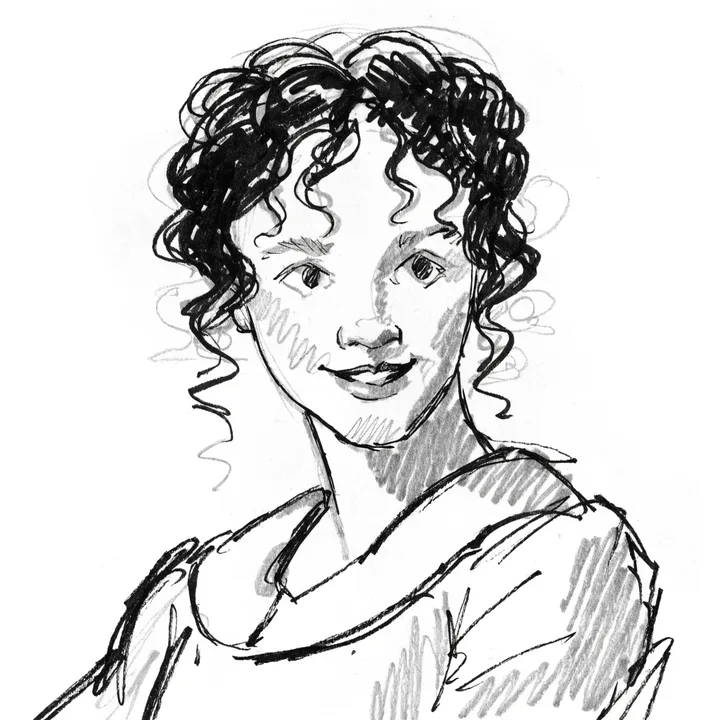
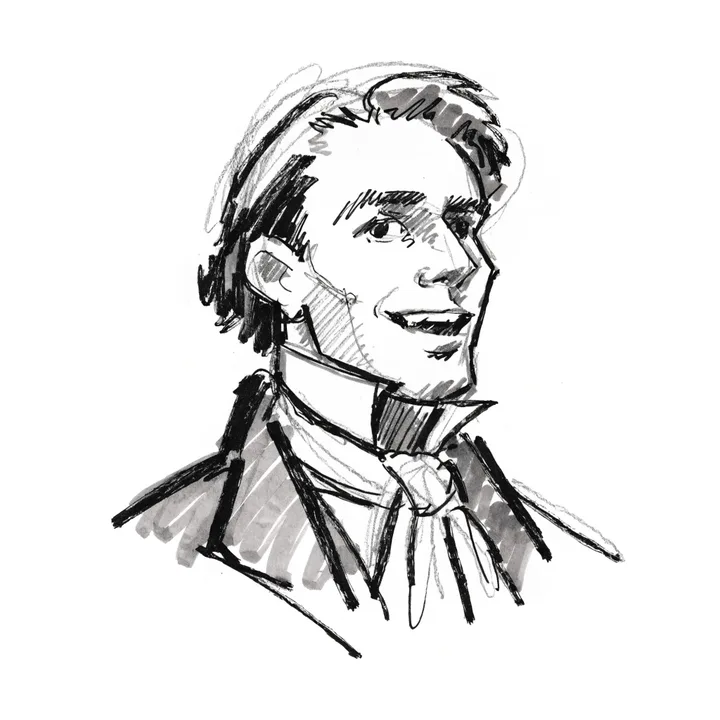
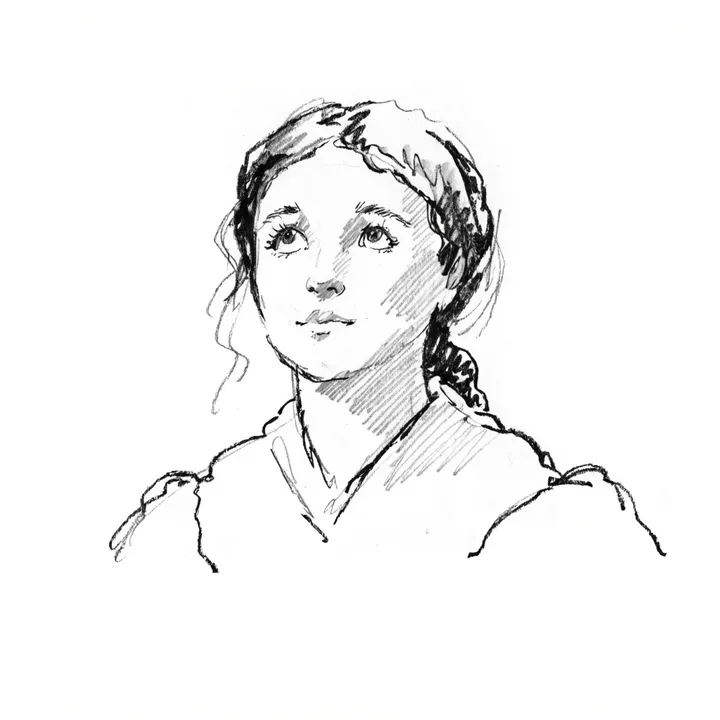
Casting references from Emma.
Locations, props, wardrobe, set requirements, continuity details, and practical risks all come from the same screenplay breakdown. This keeps the visual ideas tied to what the film will actually need.
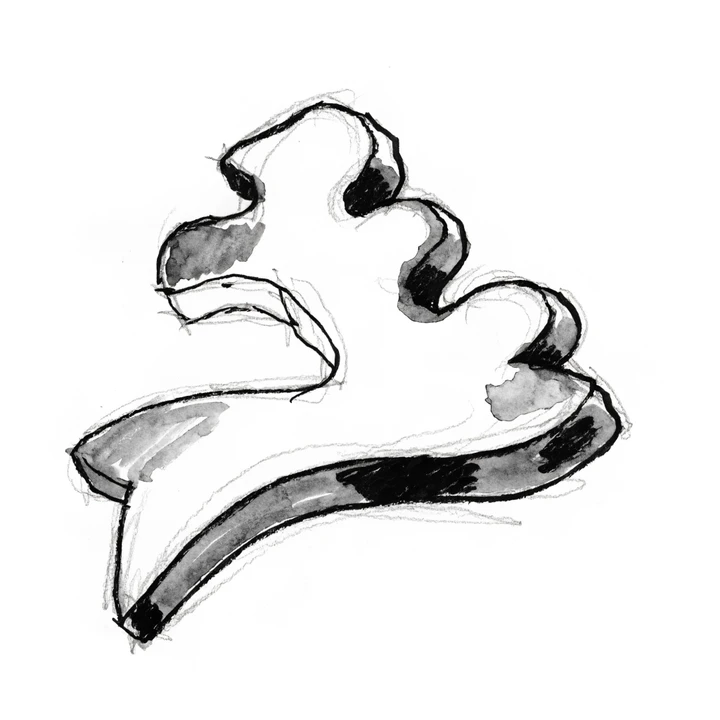
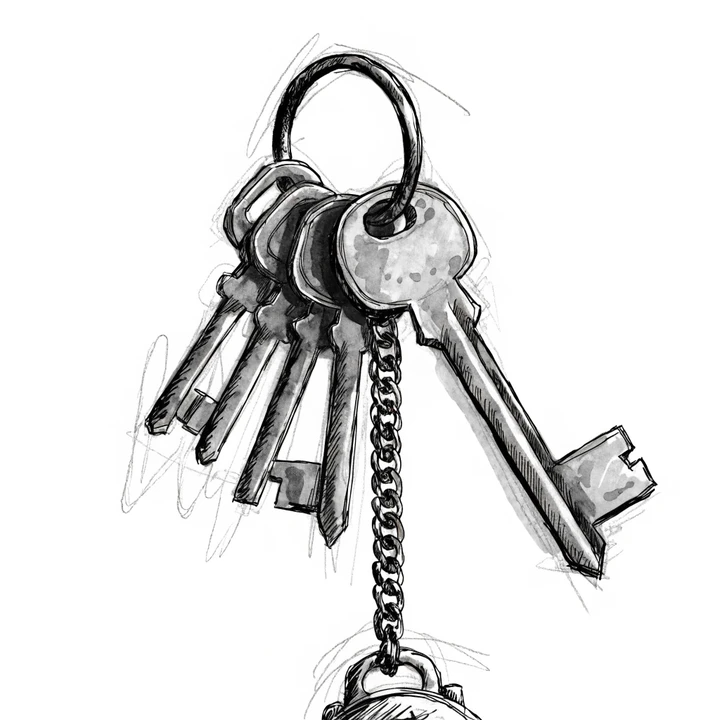
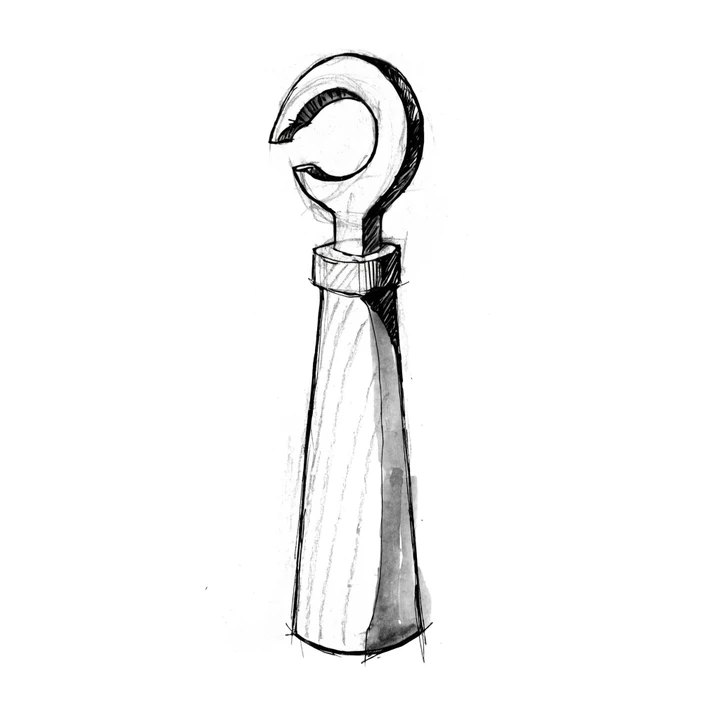
Production-design references from The Lighthouse.
The scene map connects page ranges, characters, locations, props, emotional beats, production flags, and visual briefs. Optional storyboard frames add camera, lighting, composition, and mood references to each scene.
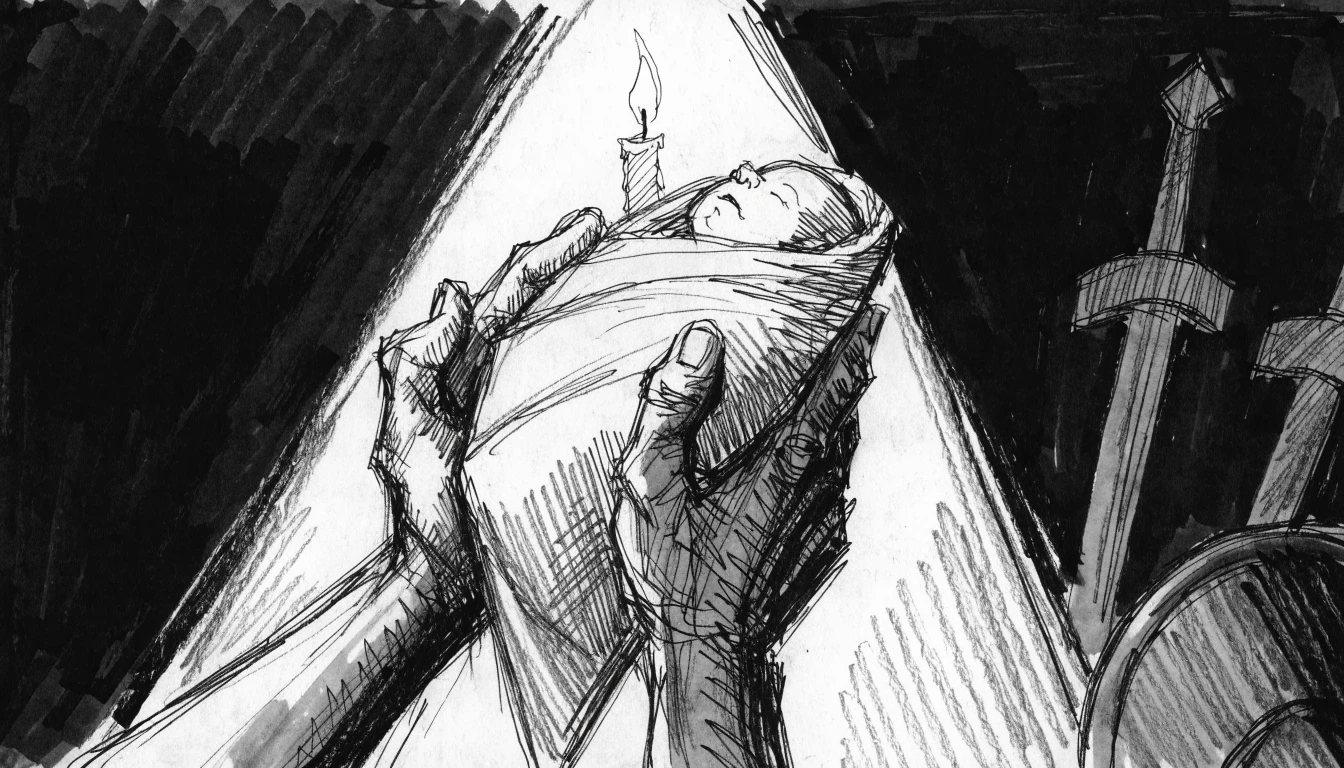
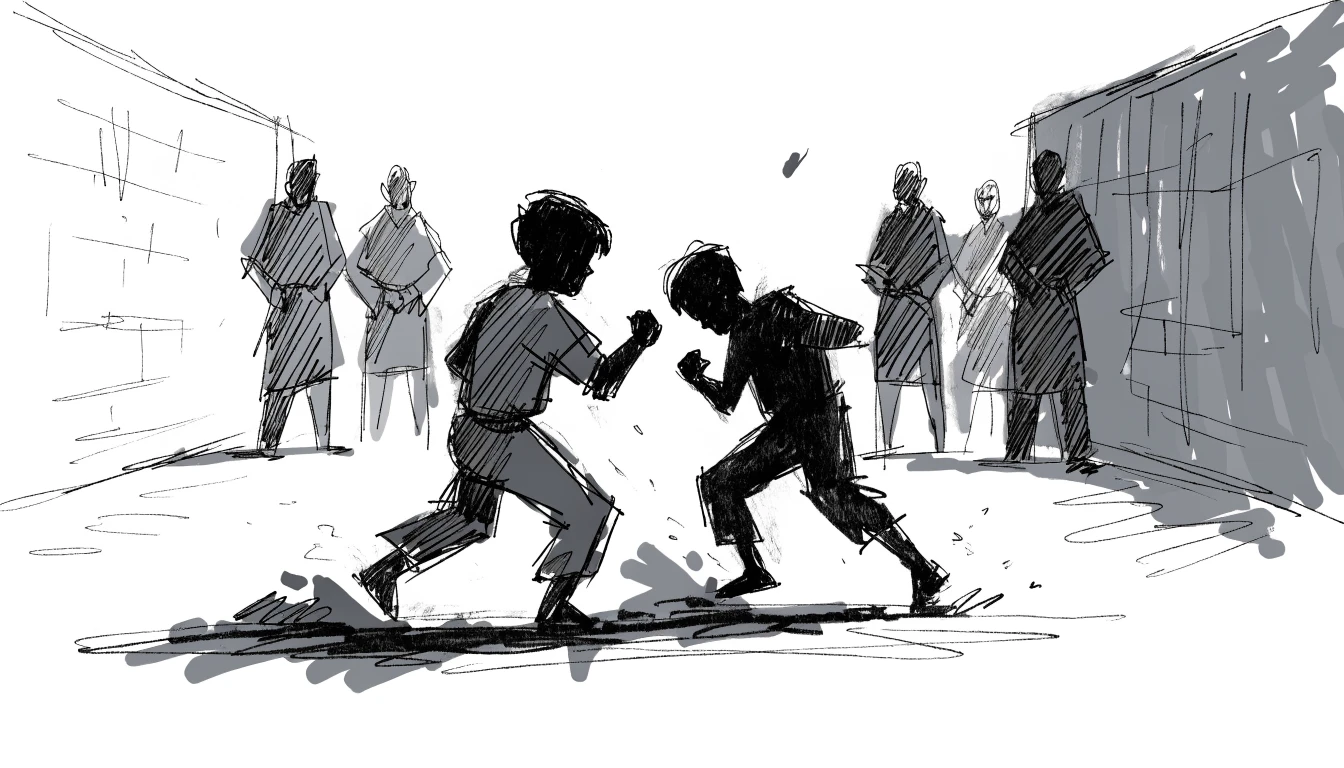
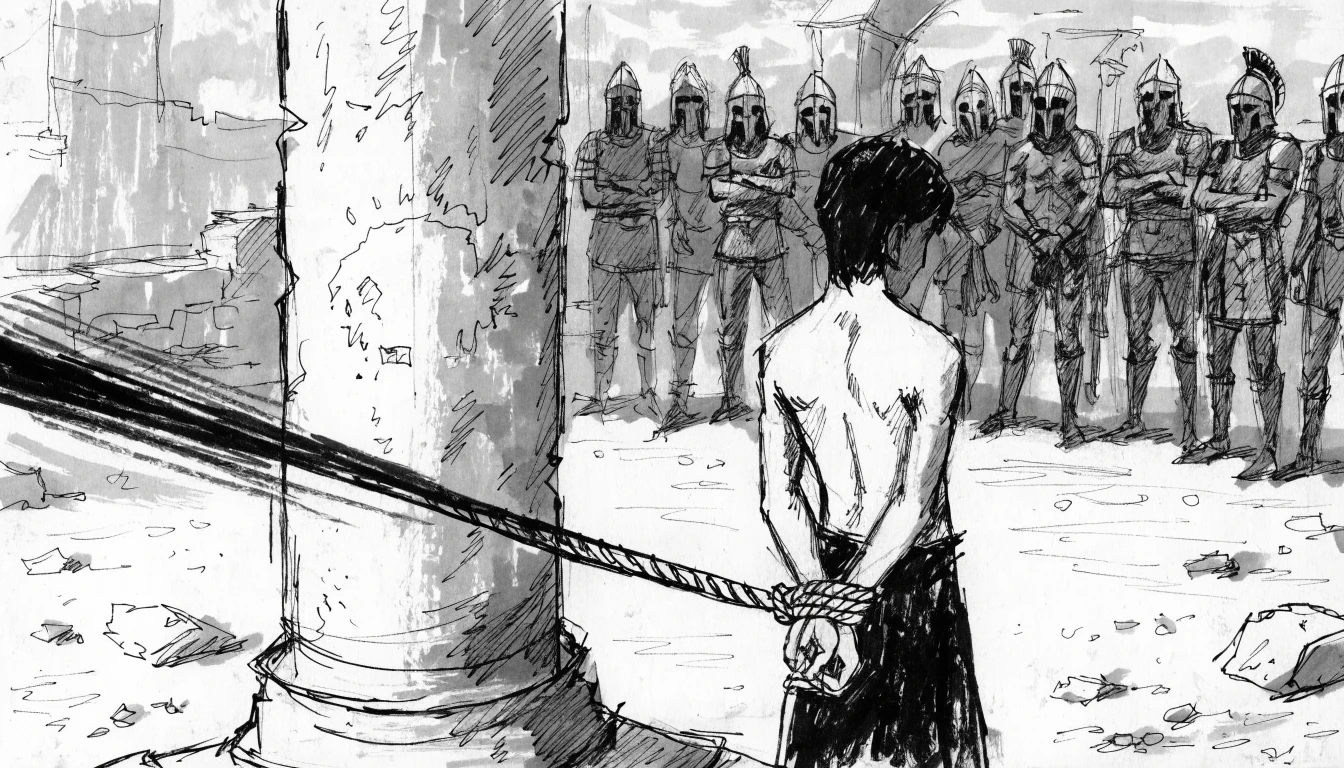
Storyboard frames from 300.
Poster concepts reduce the film to one clear image and idea. The deck stays editable in the browser, so you can review, print, save it as a PDF, or share it as a working creative package.
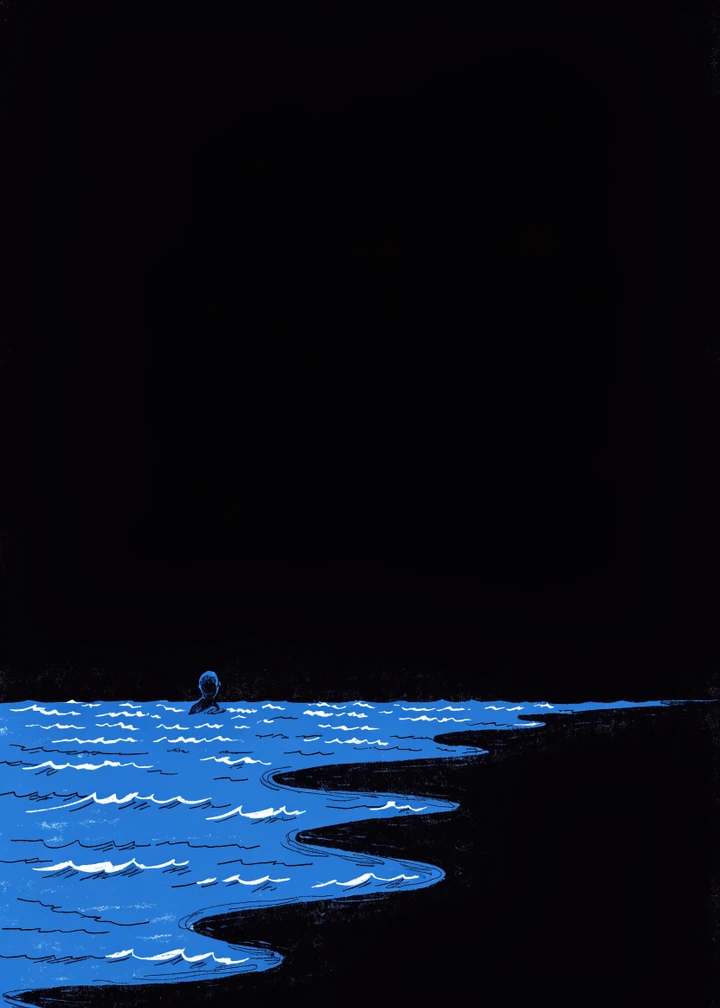


Poster directions from Moonlight, Emma, and Aftersun.
- Bring the screenplay. Upload a text-based PDF, FDX, or TXT file. PDF text is extracted in the browser; scanned PDFs need OCR first.
- Build the breakdown. Scriptlook uses your OpenAI or Claude key to turn the screenplay into structured scenes, characters, locations, props, themes, wardrobe, and production signals.
- Choose what to make. Generate the sections you need using Claude, OpenAI, DeepSeek, or Gemini for writing.
- Generate the visuals. Add a fal.ai key if you want to generate portraits, locations, props, storyboards, and poster concepts from the project's visual briefs.
- Shape the result. Edit, regenerate, review, print, or share the deck from the browser.
You need Node.js 20.9 or newer and an API key from OpenAI or Claude for screenplay extraction.
git clone https://github.com/madebysan/scriptlook.git
cd scriptlook
npm install
npm run dev
Open http://localhost:3000, go to Settings, and add the provider keys you want to use.
- OpenAI or Claude — screenplay extraction and deck writing
- DeepSeek or Gemini — optional alternatives for deck writing after extraction
- fal.ai — optional storyboards, portraits, props, locations, and posters
- TMDB — optional poster thumbnails for film and soundtrack references
This product uses the TMDB API but is not endorsed or certified by TMDB.
Scriptlook has no accounts, database, or analytics. It stores your provider keys and active project in your browser's localStorage. The original PDF is parsed in the browser. When you request generation, Scriptlook sends the extracted text and relevant project content only to the providers you chose. Check each provider's pricing and data policy before sending material you don't own or aren't allowed to process.
For a production-style local run:
npm run build
npm startRun the full local check before opening a pull request:
npm test
npm run typecheck
npm run lint
npm run buildScriptlook is released under the MIT License.
Made by santiagoalonso.com