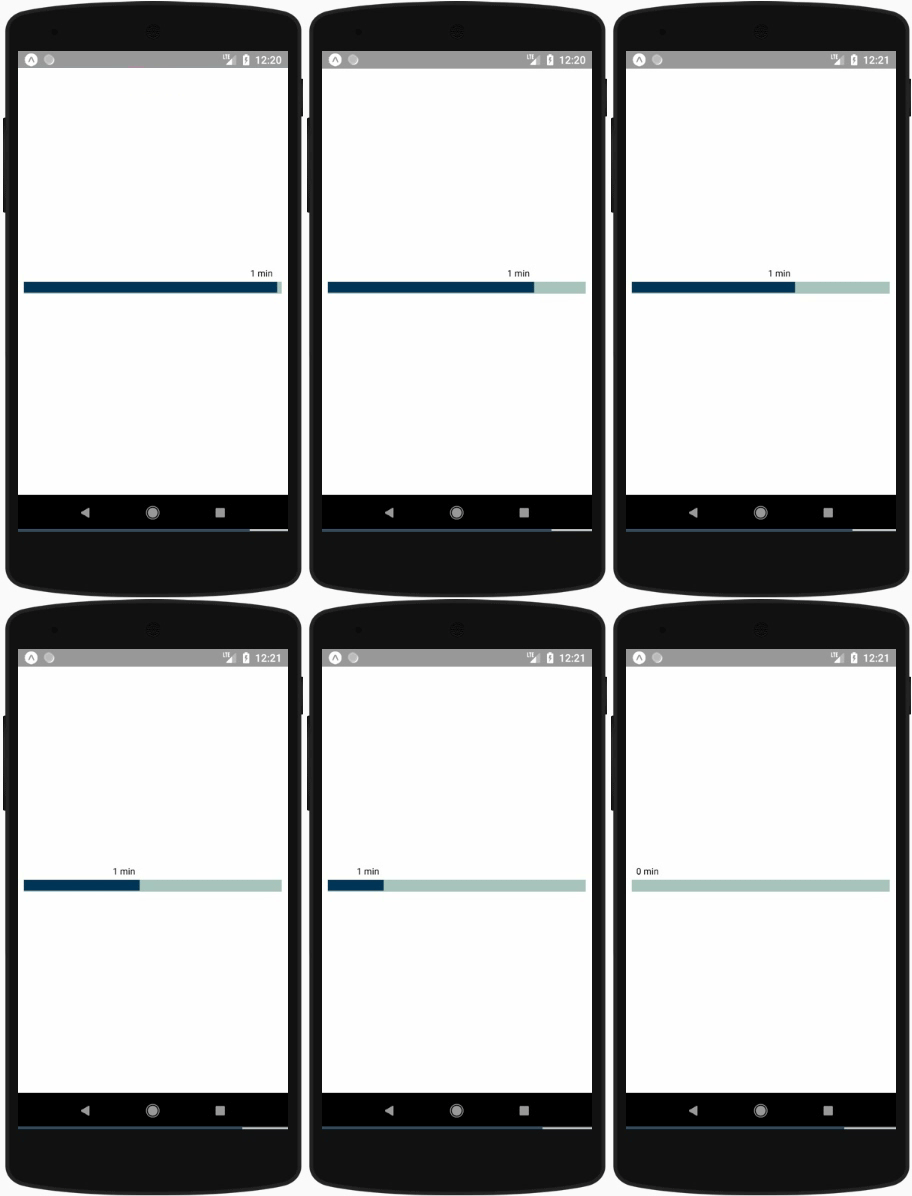
react-native-linear-timer Linear Timer component for React Native
stable release version:
package downloads:
IOS Android
npm i react-native-linear-timer --save
Install react-native-cli first
$ npm install -g react-native-cli
Initialization of a react-native project
$ react-native init AwesomeProject
Then, edit AwesomeProject/App.js, like this:
import * as React from 'react' ;
import { View } from 'react-native' ;
import LinearTimer from 'react-native-linear-timer' ;
type Props = { }
export default class App extends React . Component < Props > {
render ( ) {
return (
< View
style = { {
flex : 1 ,
justifyContent : 'center' ,
alignItems : 'center' ,
backgroundColor : 'white'
} }
>
< LinearTimer
min = { 2 }
onTimeElapsed = { ( ) => {
console . log ( 'Timer Finished!' ) ;
} }
/>
</ View >
) ;
}
}
parameter
type
required
description
default
min
number
yes
Time in minutes
height
number
no
The height of the component
38
rermainingEndThreshold
number
no
The threshold width after which the remaining end color change
10
elapsedIndicatorColor
string
no
The elapsed time indicator color
"#A8C3BC"
remainingIndicatorColor
string
no
The remaining time indicator color
"#0E3657"
rermainingEndIndicatorColor
string
no
The remaining end time indicator color after threshold
"#cc0000"
style
object
no
To override the timer style
default
textStyle
object
no
To override the text style
default
onTimeElapsed
function
no
Callback for the timer end
() => {}
cd example
npm install
react-native run-android (For android)
react-native run-ios (For ios)
In case of any issue follow the GUIDE .