Quick Start
This page is the shortest path from installed plugin to first run.
GRating Rebalancer reads Goodreads values from Calibre identifiers:
grratinggrvotes
Books missing usable Goodreads rating or vote data are skipped.
Create at least one compatible numeric custom column for Output. This column receives the raw 0.0-100.0 library percentile.
Optionally choose or create a second Rating field for shaped values such as stars, decimals, or custom ranges.
Open the plugin customization dialog and choose your Output column.
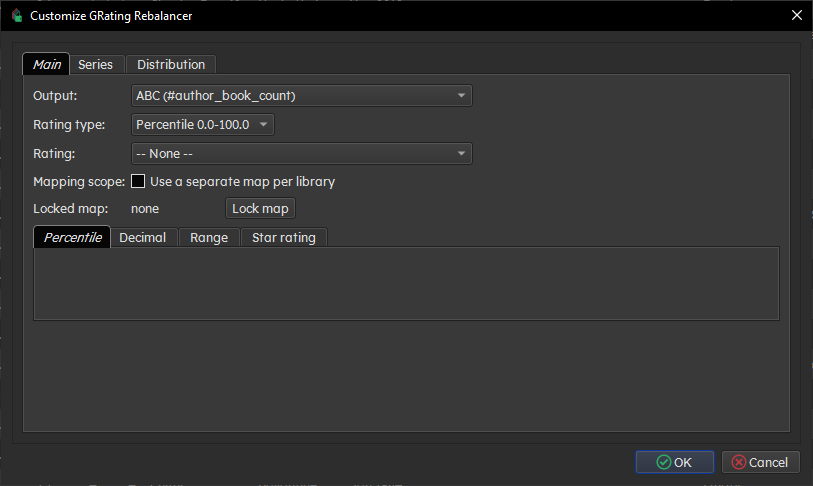
The optional Rating field can write a display-shaped value. Choose the Rating type you want:
- Percentile
- Decimal
- User-defined range
- Star rating
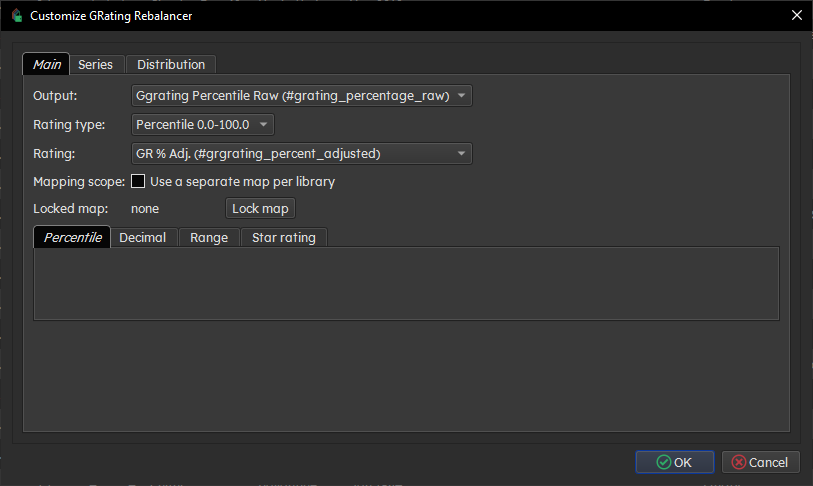
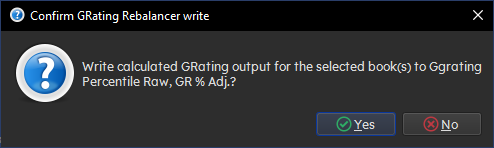
Select one or more books in Calibre and click GRating RB. The selected books are the write target, but the plugin scans the wider library to build the percentile distribution.
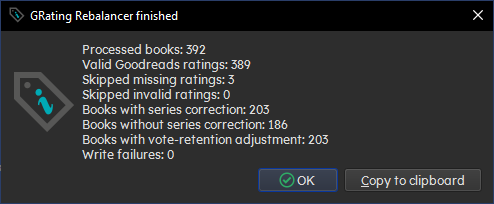
After a successful run, review the summary.